Racing Game Sound Design: Engine Audio, Tire Screech, and Speed Sensation
Racing Game Sound Design: The Complete Guide
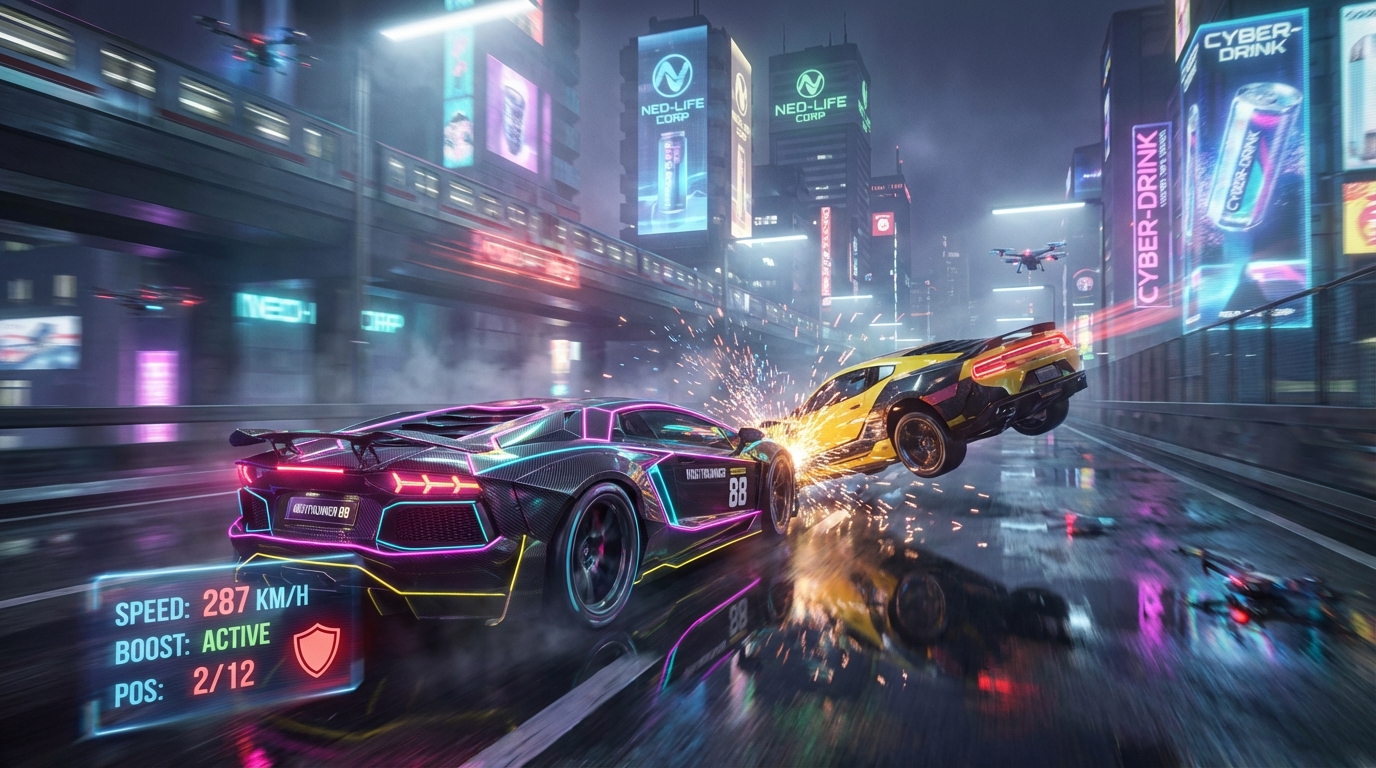
Sound = 50% of Speed Sensation
A racing game with bad audio feels twice as slow. Great audio makes 100 km/h feel like 300 km/h.
The 8 Audio Layers of a Racing Game
1. Engine Sound
The most complex audio system in the game:
- RPM-based pitch shifting: Engine sample pitch rises with RPM
- Load-based crossfading: Different samples for on-throttle vs off-throttle
- Multi-layer blending: Intake, exhaust, turbo — each a separate layer
- Gear change transients: Shift sound + brief rev drop
// Simplified engine audio controller
void UpdateEngineSound()
{
float rpm = car.currentRPM / car.maxRPM; // 0-1
engineSource.pitch = Mathf.Lerp(0.8f, 2.5f, rpm);
engineSource.volume = Mathf.Lerp(0.3f, 1f, rpm);
// Crossfade between on/off throttle samples
float throttle = Input.GetAxis("Vertical");
onThrottleSource.volume = throttle;
offThrottleSource.volume = 1f - throttle;
// Turbo whine
turboSource.pitch = Mathf.Lerp(0.5f, 3f, rpm);
turboSource.volume = rpm > 0.7f ? (rpm - 0.7f) * 3f : 0;
}
2. Tire Audio
- Surface-dependent: Asphalt, gravel, grass, sand, snow
- Slip-based screech: Volume and pitch based on slip angle
- Rolling noise: Low rumble that increases with speed
3. Wind & Speed
- White noise layer: Volume scales with speed²
- Low-pass filter: Opens up as speed increases
- Doppler effect: For passing AI cars
4. Collision & Impact
- Metal-on-metal crunches
- Barrier scrapes
- Suspension thuds on bumps
- Glass breaking
5. Environment
- Tunnel reverb (echo in enclosed spaces)
- Bridge rumble
- Crowd cheering at grandstands
- Birds and ambient nature (countryside tracks)
6. UI & Feedback
- Countdown beeps (3-2-1-GO!)
- Position change chimes
- Nitro activation whoosh
- Lap completion ding
- Checkpoint sound
7. Music
- In-game radio (licensed tracks)
- Dynamic intensity (louder/faster during close races)
- Victory/defeat stingers
- Menu music (separate from racing music)
8. Announcer/Spotter
- "Final lap!"
- "Car approaching on your left!"
- "New personal best!"
- "You're in first place!"
Free Audio Resources
- Freesound.org: Creative Commons engine samples
- FMOD / Wwise: Professional game audio middleware
- Soundsnap: Premium sound effects library
> Focus on your audio while Game & Anime ARMY handles the visuals — generate car concepts, track art, and HUD designs instantly.
Ready to Create Your Racing Game?
Game & Anime ARMY generates 300+ production-ready assets — cars, tracks, drivers, HUDs — in one click.
👉 Try Game & Anime ARMY Free →