Make My Racing Game: Beginner Tutorial from Zero to Playable in 48 Hours
Make My Racing Game: Zero to Playable in 48 Hours
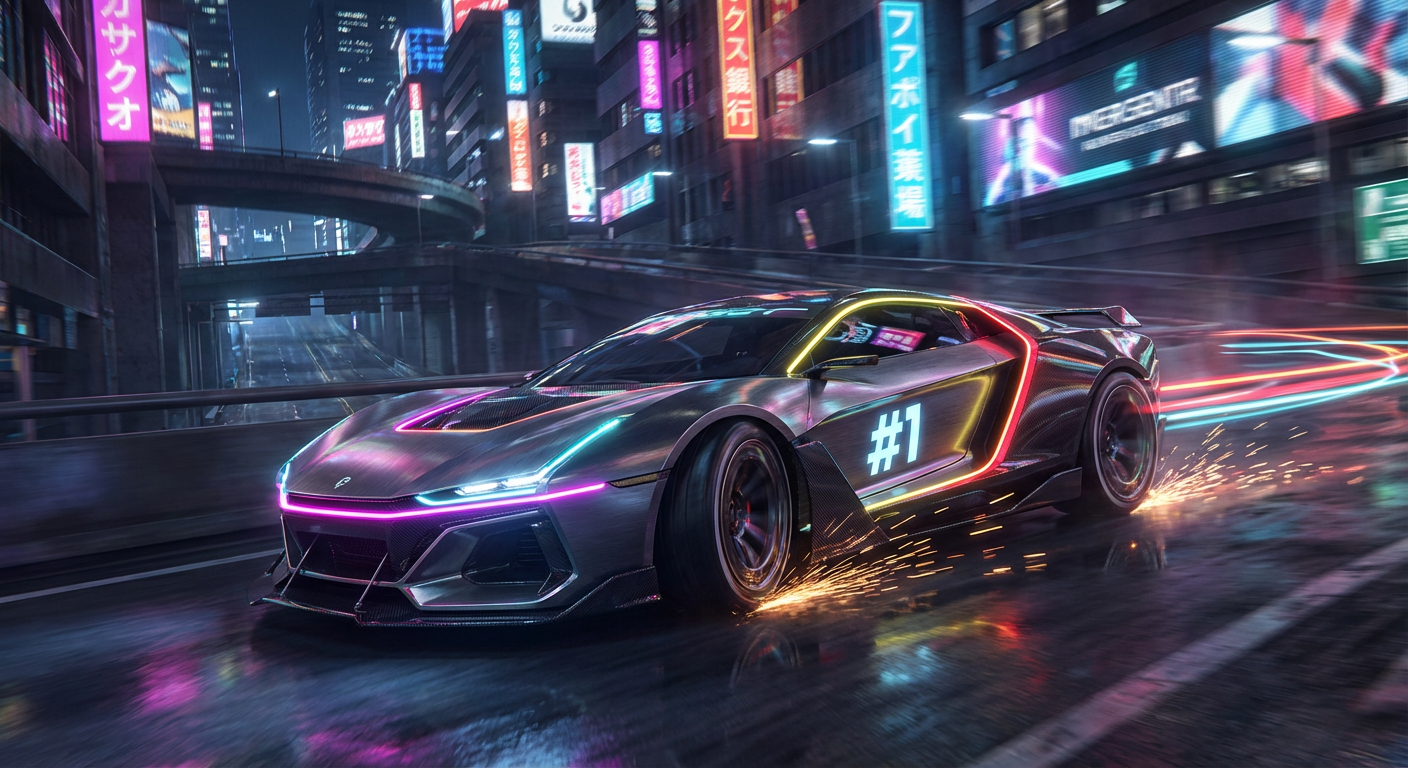
You've always wanted to make a racing game. This weekend, you will.
Hour 0-2: Setup & Concept
Choose your engine:
- Unity (recommended for beginners): Great tutorials, Asset Store
- Godot (free & open-source): VehicleBody3D node, growing community
- Unreal Engine (AAA quality): Chaos Vehicle system, Nanite
Define your scope:
- 1 car ✅
- 1 track ✅
- Basic physics ✅
- AI opponent ✅
- Lap timer ✅
- Win/lose condition ✅
Hour 2-8: Vehicle Physics
Unity Quick Start
// SimpleRacer.cs — Drop this on a cube with a Rigidbody
using UnityEngine;
public class SimpleRacer : MonoBehaviour
{
[Header("Car Settings")]
public float motorForce = 1500f;
public float maxSteerAngle = 30f;
public float brakeForce = 3000f;
public WheelCollider frontLeft, frontRight;
public WheelCollider rearLeft, rearRight;
void FixedUpdate()
{
float motor = motorForce * Input.GetAxis("Vertical");
float steer = maxSteerAngle * Input.GetAxis("Horizontal");
frontLeft.steerAngle = steer;
frontRight.steerAngle = steer;
rearLeft.motorTorque = motor;
rearRight.motorTorque = motor;
if (Input.GetKey(KeyCode.Space))
{
frontLeft.brakeTorque = brakeForce;
frontRight.brakeTorque = brakeForce;
rearLeft.brakeTorque = brakeForce;
rearRight.brakeTorque = brakeForce;
}
else
{
frontLeft.brakeTorque = 0;
frontRight.brakeTorque = 0;
rearLeft.brakeTorque = 0;
rearRight.brakeTorque = 0;
}
}
}
Godot Quick Start
car.gd — Attach to a VehicleBody3D
extends VehicleBody3D
@export var max_engine_force := 300.0
@export var max_steer := 0.5
@export var max_brake := 5.0
func _physics_process(delta):
engine_force = Input.get_axis("ui_down", "ui_up") * max_engine_force
steering = Input.get_axis("ui_right", "ui_left") * max_steer
brake = max_brake if Input.is_action_pressed("ui_select") else 0.0
Hour 8-16: Track Building
1. Blockout: Use simple cubes/planes for the road
2. Barriers: Box colliders on the edges
3. Checkpoints: Trigger volumes to track progress
4. Start/Finish line: Special checkpoint that counts laps
// Checkpoint.cs
public class Checkpoint : MonoBehaviour
{
public int checkpointIndex;
void OnTriggerEnter(Collider other)
{
var racer = other.GetComponent<RaceProgress>();
if (racer != null)
racer.PassCheckpoint(checkpointIndex);
}
}
Hour 16-24: AI Opponent
Simple waypoint follower — makes the game feel complete:
public class SimpleAI : MonoBehaviour
{
public Transform[] waypoints;
public float speed = 15f;
private int current = 0;
void Update()
{
if (current >= waypoints.Length) current = 0;
Vector3 dir = waypoints[current].position - transform.position;
transform.position += dir.normalized * speed * Time.deltaTime;
transform.rotation = Quaternion.LookRotation(dir);
if (dir.magnitude < 5f) current++;
}
}
Hour 24-36: Polish & Feel
- Camera: Smooth follow with look-ahead
- Speed lines: Particle system at high speed
- Engine sound: Pitch shift based on speed
- Tire screech: Play when turning hard
- Countdown: 3-2-1-GO! before race starts
Hour 36-48: UI & Game Loop
- Start menu
- Race countdown
- Lap counter + timer
- Position display
- Finish screen with time
- "Race Again" button
Your Weekend Racing Game Checklist
- [ ] Car moves with WASD/arrows
- [ ] Car can drift/brake
- [ ] Track with barriers
- [ ] 3 laps to win
- [ ] 1 AI opponent
- [ ] Lap timer
- [ ] Win/lose screen
- [ ] Engine sound
- [ ] Basic camera follow
> Need concept art fast? Use Game & Anime ARMY to generate your car design, driver character, and track environment concept in under 10 minutes.
Ready to Create Your Racing Game?
Game & Anime ARMY generates 300+ production-ready assets — cars, tracks, drivers, HUDs — in one click.
👉 Try Game & Anime ARMY Free →